
ZOC Online Help Topic:
Keyboard, Character Translation, etc. → Toolbar Definition
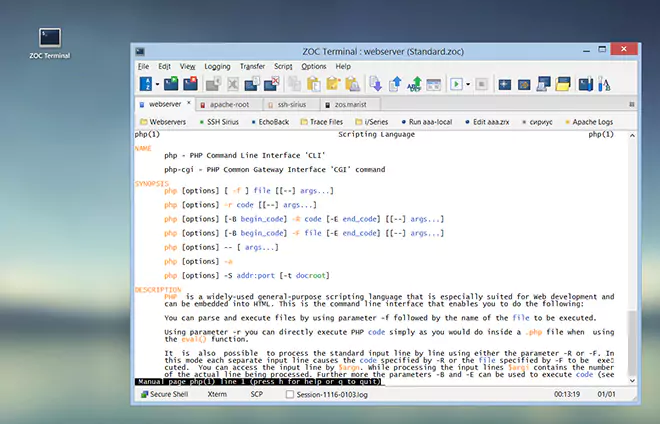
The toolbar makes functions easily accessible by offering icons for them.
To customize the toolbar you can select/deselect icons from a list by clicking on them with the mouse. Entries displayed on the right side will be shown in the toolbar (if the window is wide enough).
Additionally (depending on screen resolution and your personal taste) you can select if you want the icons in the toolbar to be large, medium or small The sizes are Large, Medium and Small. Tight packs the icons closer together.
← Back to Keyboard, Character Translation, etc.